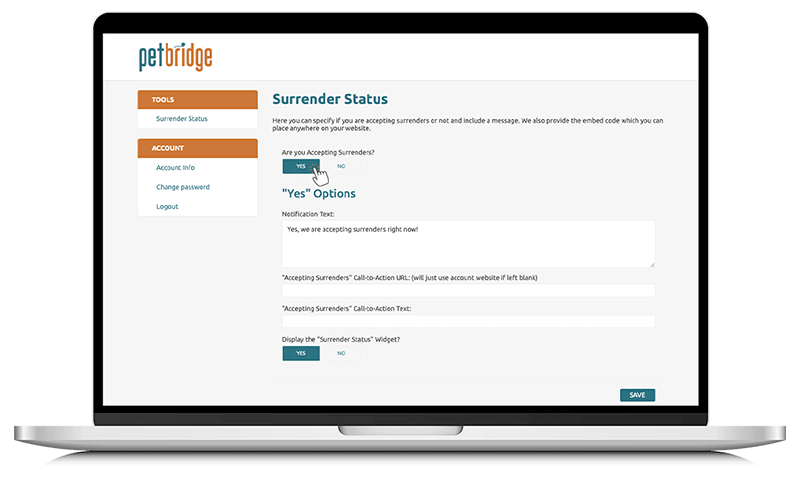
Use your PetBridge login that has been emailed to you.
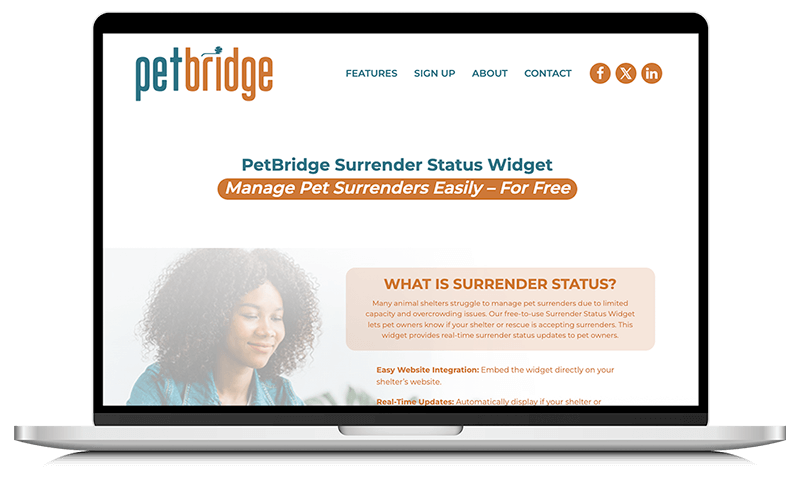
Set up your Surrender Status listing in the Surrender Status area of PetBridge.
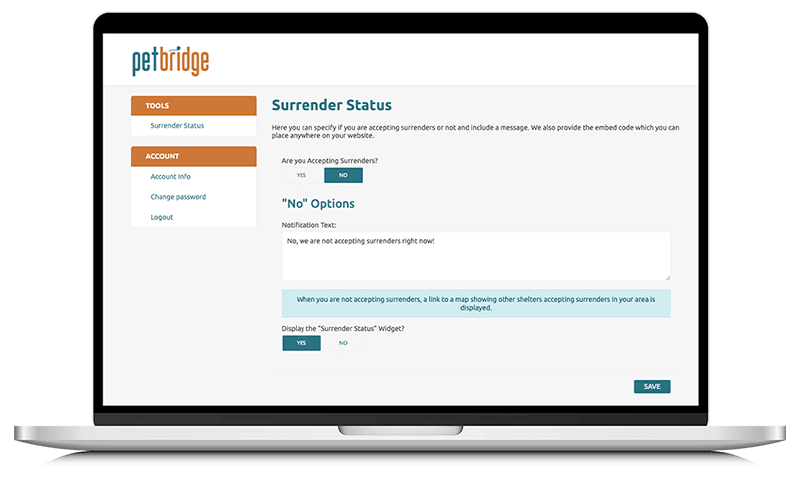
Add your listing address, shelter or rescue details, and learn to toggle on/off whether you are accepting surrenders at this time.
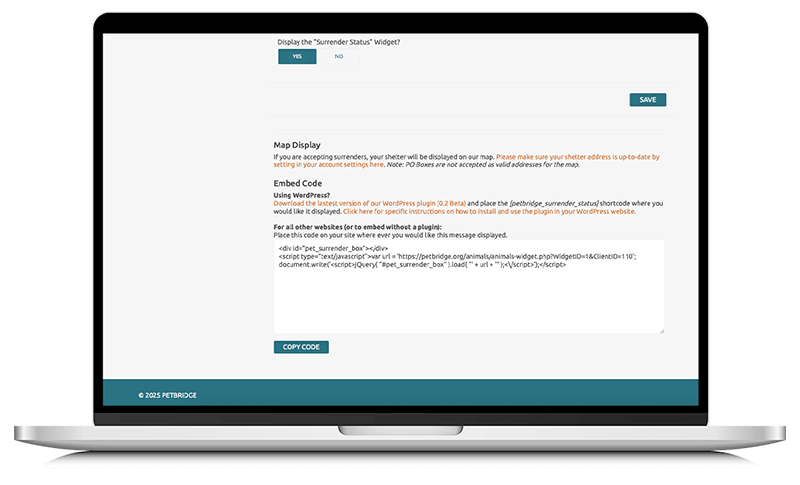
Once your details are entered, grab the code snippet from Surrender Status to your home page by following the instructions here.
If you are using the WordPress plugin you will not need to use the code snippet.
Be sure to quickly login and update whether your shelter or rescue is accepting surrenders on-the-fly. This will keep pet owners visiting your website informed, and update your status on the PetBridge Surrender Status Map!